Unreal Engine plugin · MCP server

Build your whole game with AI. Every domain, one plugin — no exceptions.

Point Claude Code, Cursor, or any MCP client at your Unreal project and let it loose — Blueprints, materials, animation, Niagara, audio, game AI, all of it, through 1,750+ editor actions. Tell your AI what you want, then watch it build the thing and prove it works in PIE.

Why Shovel

One plugin. Every Unreal domain. Zero dependencies.

Most MCP integrations dump hundreds of tools into your AI's context and call it a day. Shovel doesn't — each domain is one query tool with namespace dispatch doing the work underneath, so the tool list stays small while the capability stays massive. Pure C++, an embedded HTTP server, nothing else to install. No metering either — bring your own AI and use all the tokens you want. And when the 1,750+ actions don't cover something, your AI writes the missing tool itself — a Python function that registers as a live, schema-validated MCP tool in the same session. No rebuild, no editor restart.

How it works
1,750+ editor actions
35+ MCP namespaces
38 Claude Code skills
0 external dependencies
Claude Code skills

38 bundled skills. Every discipline covered.

Shovel comes with domain-specific playbooks that teach your AI how to actually work each part of the engine — gotchas, budgets and verification steps included, so it isn't learning the hard way.

Getting started

Up and running in minutes.

Download
Step 1

Install the plugin

Drag Shovel into your project's Plugins folder, restart the editor, and that's it. Pure C++ with its own embedded MCP server baked in — no Python to wrangle, no extra services to babysit. Runs happily on Windows and macOS.

Step 2

Connect your AI

Drop a one-file .mcp.json into your project root and Claude Code, Cursor, or whatever MCP client you're using will find it. The auto-reconnect proxy keeps your sessions alive even when the editor restarts.

.mcp.json → localhost:9417/mcp
Step 3

Prompt. Build. Verify.

One call and your AI knows everything it can do. From there it builds assets from JSON specs, compiles your code, and actually plays the game in PIE to prove the change works — not just that it compiled.

shovel_discover()
Download

Get Shovel for your platform.

Windows

Unreal Engine 5.7+ editor plugin.

Copy to C:\Program Files\Epic Games\UE_5.x\Engine\Plugins\Marketplace\Shovel\

Alternatively unzip into your project’s Plugins folder — Blueprint-only projects; see the README in the zip.

Download v0.29.0 UE 5.8 · v0.29.0 · 16 MB UE 5.8 — v0.28.0 (16 MB) UE 5.7 — v0.29.0 (16 MB) UE 5.7 — v0.28.0 (16 MB)

macOS

Unreal Engine 5.7+ editor plugin.

Copy to /Users/Shared/Epic Games/UE_5.x/Engine/Plugins/Marketplace/Shovel/

Alternatively unzip into your project’s Plugins folder — Blueprint-only projects; see the README in the zip.

Download v0.29.0 UE 5.8 · v0.29.0 · 16 MB UE 5.8 — v0.28.0 (16 MB) UE 5.7 — v0.29.0 (16 MB) UE 5.7 — v0.28.0 (16 MB)

Free 7-day trial — create a free account to activate it. Buy a license to keep digging after the trial.

New skill · web-asset-gen

Different formats, one prompt. Adjusted for the web.

Beyond in-engine content, Shovel's newest skill spins up whole families of presentation media from a single prompt — hero videos, card grids, OG/social cards, slide backgrounds, icon sets, you name it (audio's covered too, via its sibling skill). It sizes up your target format first, keeps one style spec consistent across the set, fans out across multiple AI models, and lets ffmpeg handle the finishing work — exact size, aspect and safe-zone, whatever your CSS or slide deck expects.

Hero videos Card grids OG & social cards Icon sets Format measurement Seamless loops ffmpeg post-processing
Any project

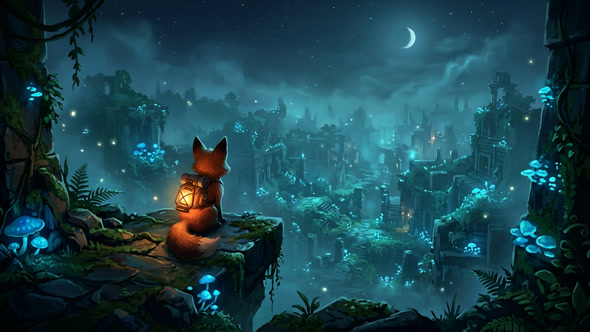
For every kind of game.

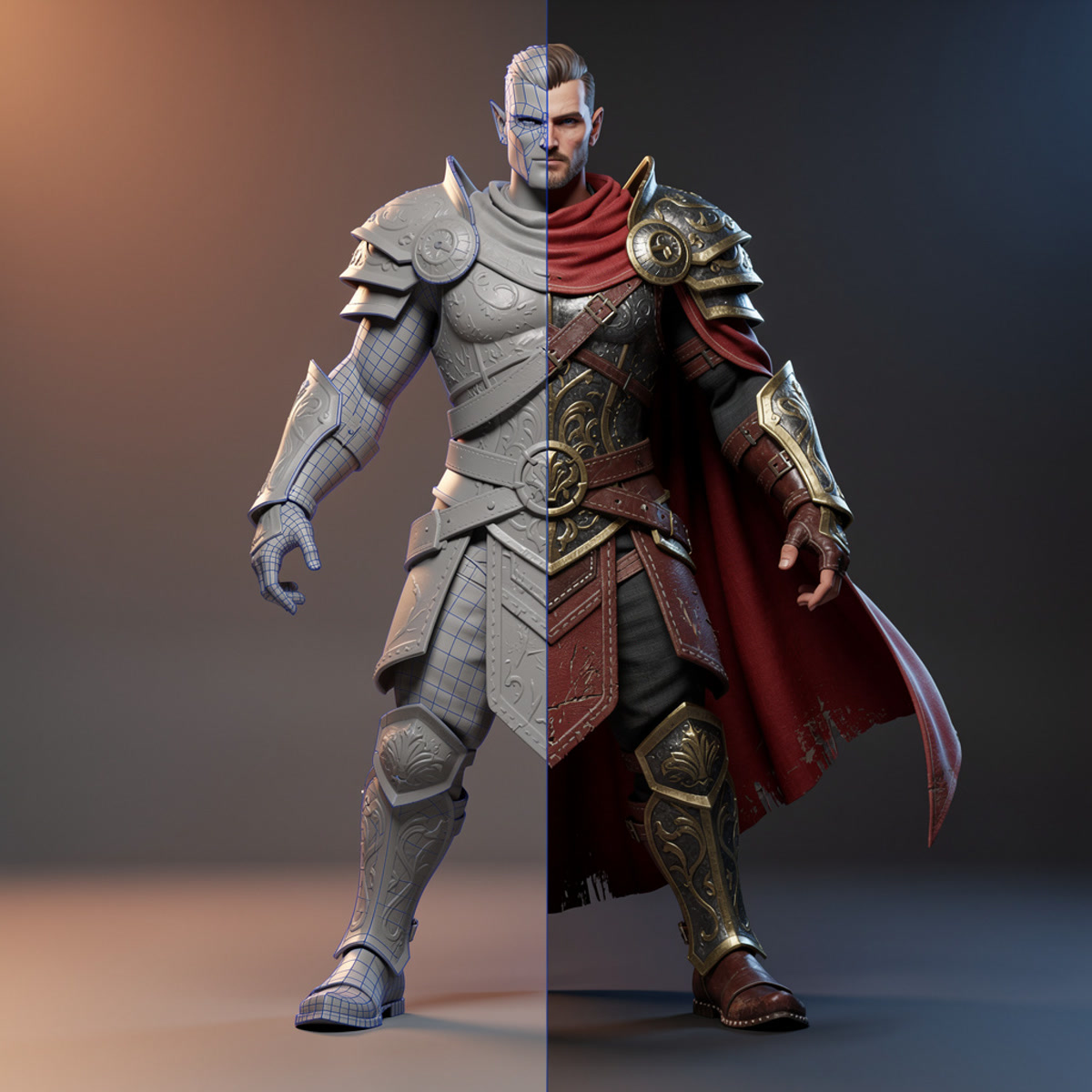
AAA action

AAA action

Behavior trees, GAS combat, cinematic sequences — production scale, no shortcuts.

Indie

Indie

One dev, one AI co-pilot, every discipline covered.

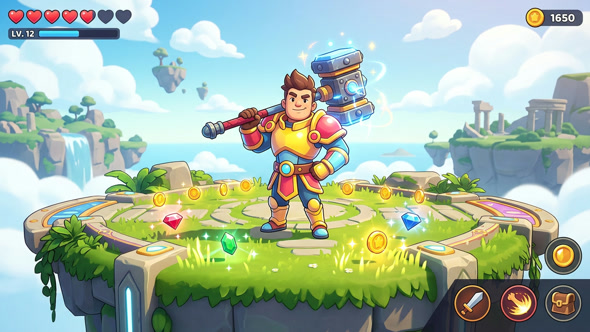
Mobile

Mobile

Performance budgets, scalability settings and lean UI, sorted from the start.

Stylized

Stylized

Custom materials, HLSL and Niagara looks, hand-built graph by graph.

Open world

Open world

Landscapes, foliage and whole procedural towns — just prompt for it.

Learn

Start where you are.

Windows & macOS

Your editor. Your AI. One endpoint apart.

Shovel plays nice with any MCP-compatible client. Grab the plugin, hook up your AI, and start building.